skill
Design Mobile Apps
Use when the user wants to design a mobile app or UI screens, when they mention their Sleek (sleek.design) projects, or when implementing Sleek designs in code (HTML, React Native, SwiftUI).
About
# Designing with Sleek
[](https://sleek.design)
## Overview
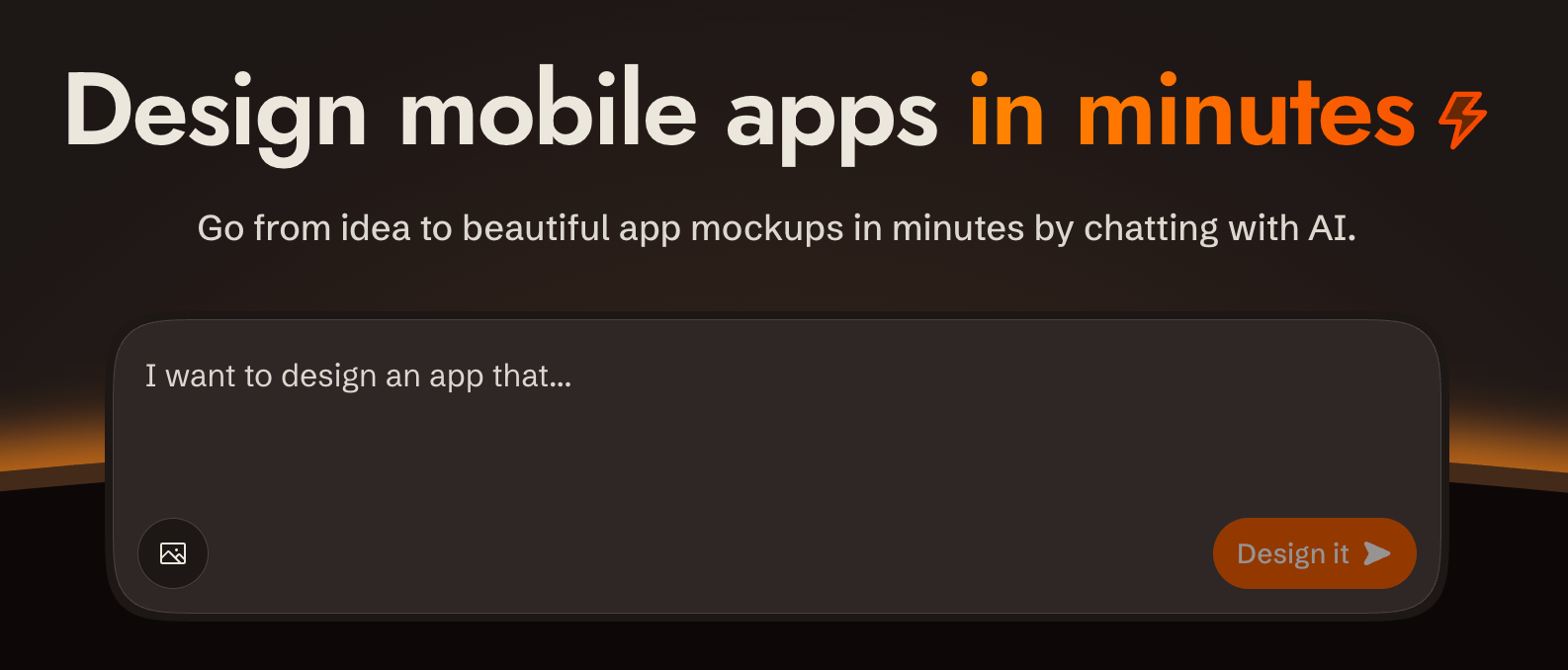
[sleek.design](https://sleek.design) is an AI-powered mobile app design tool. You interact with it via a REST API at `/api/v1/*` to create projects, describe what you want built in plain language, and get back rendered screens. All communication is standard HTTP with bearer token auth.
**Base URL**: `https://sleek.design` **Auth**: `Authorization: Bearer $SLEEK_API_KEY` on every `/api/v1/*` request **Content-Type**: `application/json` (requests and responses) **CORS**: Enabled on all `/api/v1/*` endpoints **Parsing responses**: write the body to a file (`curl -o run.json`) and parse the file. Don't pipe JSON through `echo`: in zsh it expands the escaped `\n` inside string values into real newlines, which makes the body invalid JSON. **API docs**: OpenAPI spec at `https://sleek.design/api/v1/spec.json`; browsable docs at `https://sleek.design/api/v1/docs`. Fetch the spec for any contract detail not covered here.
---
## Prerequisites: API Key
If `SLEEK_API_KEY` is not set, use the device flow so the user never handles the raw key:
1. `POST https://sleek.design/api/v1/device/start` (no auth) with body `{"source": "your-tool-slug"}`. The response contains a `verificationUrl`, a human-checkable `userCode`, a secret `deviceCode`, and a poll `interval` in seconds. 2. Show the user the `verificationUrl` and the `userCode`, and tell them to confirm the code matches before approving. 3. Poll `POST https://sleek.design/api/v1/device/poll` with `{"deviceCode": "..."}` every `interval` seconds. When the user approves, the poll returns `{"status": "approved", "key": "sk_..."}` exactly once: store it as `SLEEK_API_KEY`. Codes expire after 15 minutes; on `expired`, start over.
Fallback: send the user to **https://sleek.design/agents/setup**, which handles sign-in, plan upgrade, and key creation in one place, and ask them to paste the key back to you. Keys can also be managed at **https://sleek.design/dashboard/api-keys**. The full key value is shown only once at creation.
**Plans**: free accounts can try the API with their one-time trial credits (about one design run), so a new user can see their first design before any payment decision. Sustained use requires the Pro plan or higher ($49.99/month, or $30/month billed yearly at $360/year; includes 20,000 monthly AI credits, roughly 650 screens). When cost becomes relevant (the user asks, an upgrade is needed to continue, or you're about to send them to a payment page), state this pricing plainly, including the yearly option. Never let a payment step come as a surprise.
### Key scopes
| Scope | What it unlocks | | ----------------- | ---------------------------- | | `projects:read` | List / get projects | | `projects:write` | Create / delete projects | | `components:read` | List components in a project | | `chats:read` | Get chat run status | | `chats:write` | Send chat messages | | `screenshots` | Render component screenshots |
Create a key with only the scopes needed for the task.
---
## Security & Privacy
- **Single host**: All requests go exclusively to `https://sleek.design`. No data is sent to third parties. - **HTTPS only**: All communication uses HTTPS. The API key is transmitted only in the `Authorization` header to Sleek endpoints. - **Minimal scopes**: Create API keys with only the scopes required for the task. Prefer short-lived or revocable keys. - **Image URLs**: When using `imageUrls` in chat messages, those URLs are fetched by Sleek's servers. Avoid passing URLs that contain sensitive content.
---
## Designing
The full request/response shapes for every endpoint used below are in the [API reference](#quick-reference-all-endpoints).
### 1. Create a project
Create a project with `POST /api/v1/projects` if one doesn't exist yet. Derive a name from the request.
Each project has its own theme, style, and design system. If the user wants multiple design variations, create a separate project for each variation.
### 2. Send a chat message
Send the request with `POST /api/v1/projects/:id/chat/messages`. Sleek plans screen content and layout from your message, and will invent a visual style if you don't give it one. Don't decompose the request into screens and don't add product details the user didn't ask for; send the full intent as a single message. If the user described specific screens, include those. Sleek produces richer designs when given room to plan.
**Author a style direction**: write one whenever the user has given you anything to ground it in — reference images, apps they like, vibe adjectives, things to avoid — or whenever you're producing variations, one direction per variation. Pass the request through unchanged only when it's bare. A style direction is a single comprehensive paragraph
Install
Run this command
npx skills add designed-by-ai/skillsWorks with
Manual steps
Install with `npx skills add designed-by-ai/skills`, or clone the repository and copy the `skills/design-mobile-apps` folder into your Claude skills directory.
Frequently asked questions
What is the Design Mobile Apps skill?
Use when the user wants to design a mobile app or UI screens, when they mention their Sleek (sleek.design) projects, or when implementing Sleek designs in code (HTML, React Native, SwiftUI).
How do I install Design Mobile Apps?
Run this in your terminal:
npx skills add designed-by-ai/skillsWhich AI tools does Design Mobile Apps work with?
It works with claude_app, claude_code, claude_api, cursor, codex, windsurf, cline, zed.
Who made Design Mobile Apps?
designed-by-ai.
Is Design Mobile Apps free?
Yes, it is free to use.
npx skills add mattpocock/skills
npx skills add vercel-labs/agent-browser
npx skills add mattpocock/skills
npx skills add mattpocock/skills
npx skills add heygen-com/hyperframes
npx skills add vercel-labs/agent-skills
Audit before you install
Run any source through our checks - AI visibility, security, performance, and stack detection.
Automated Web Security Scan
security
PageSpeed Analyzer
performance
AI Content Quality Test
arabic content
AI Agent / MCP Server Tester
ai testing
Site Stack Detector
migration
AI SEO / AEO / GEO Audit
ai visibility
llms.txt Generator
ai visibility
Readability Score
arabic content
Schema / JSON-LD Builder
ai visibility
AI Cost Calculator
ai testing
Headline Analyzer
arabic content